About the Elections Tab
The Elections tab is the first page an admin user sees upon a successful log in.
The Election Workers Portal gives you access to all functions pertaining to election workers, Early Voting workers, and workers at non-voting election centers. It's your starting point for maintaining information on temporary election workers, their work schedules, training, and payroll.
When using the Election Workers Portal, make sure you have selected the correct election, as any work assignments or work will be applied to the selected election.
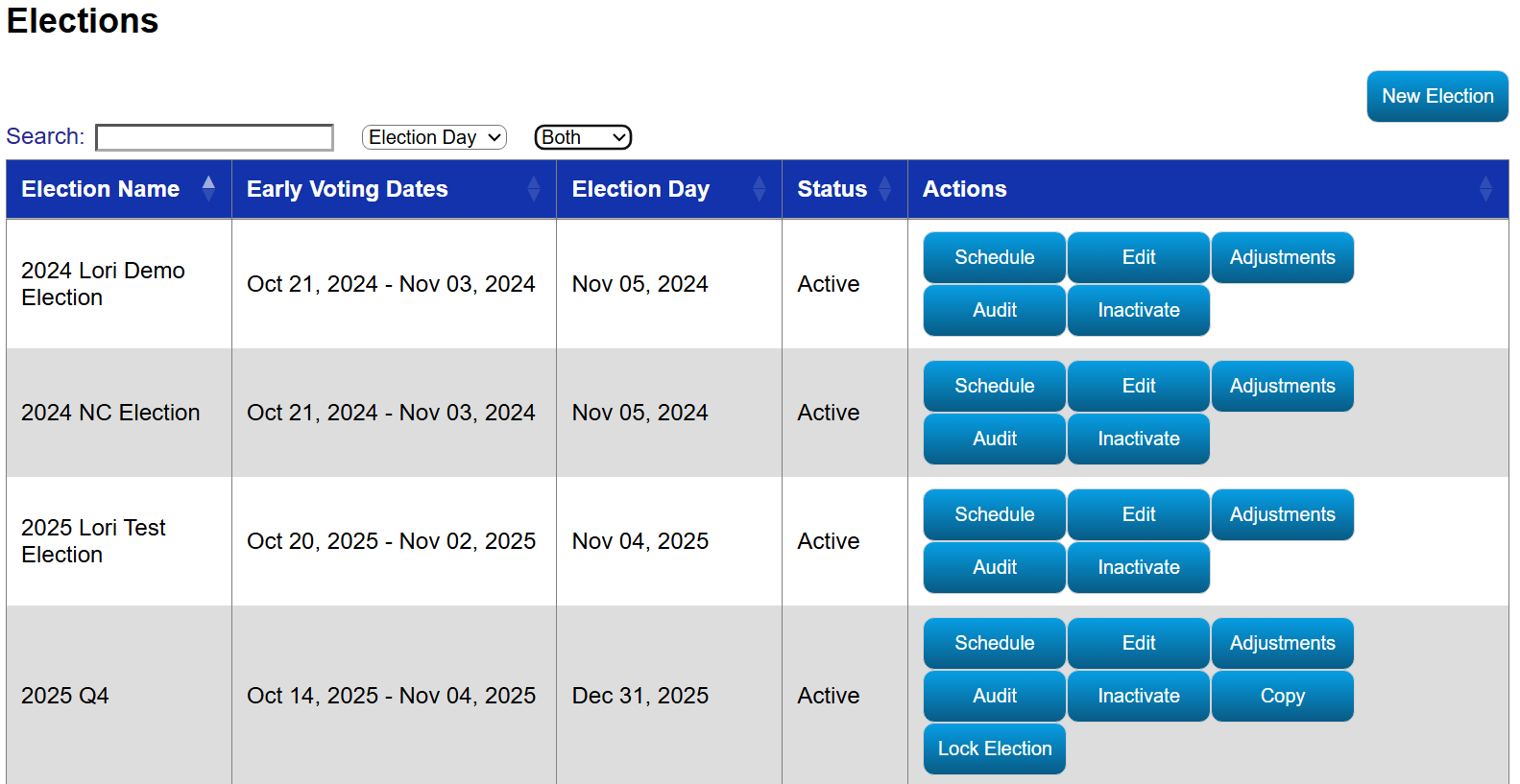
Fields on the Elections Tab
| Field | Description |
| Search | Search for an election. See Using Search for more information. |
| Both | Filter based on whether an election is active or inactive or list out both. |
| Election Name | The name of the election as it will appear on dialogs and reports. |
| Early Voting Dates | The dates when the Early Voting takes place. |
| Election Day | The date when the election takes place. |
| Status | Indicates whether an election is active or inactive. |
| Actions - Edit |
Edit the election details, including Name, Early Voting Dates, and Election Day. Select Locations for the Election. Select Positions for the Election. Create Election Shifts for the Election and define Max Positions for Early Voting and Election Day. If the election was set up outside of Election Worker Portal, this button is hidden. |
| Actions - Copy | Copy information from another election into this election. Everything but the worker assignments will be copied over to this election. |
| Actions - Activate/Inactivate |
Change an election from Inactive to Active or Active to Inactive. |
| Actions - Schedule | Schedule election worker shifts. |
| Actions - Lock |
Lock the election and worker shifts. If Positions and Shifts do not exist for that election, this button is hidden until the positions and shifts are created. When an election has been locked, the election becomes visible in the Worker interface and the Set Availability button becomes enabled for all workers who reside in a precinct associated with the election. An email is also sent to the election workers to notify them to provide their availability for the election. |
| Actions - Adjustments | Make adjustments to the Schedule for what actually happened when the election worker worked. This calculates work payroll. |
| Actions - Audit |
View or export changes made to elections. See View or Export an Election's Audit for more information |


